
Image Converter – Convert Images Fast & Free
Image Converter makes it simple to change image formats without complicated software. Convert your images to JPG, PNG, or WebP directly in your browser with fast, easy-to-use controls.
Convert Your Image
Choose an image, select an output format, and download your converted file.
Drop your images here
or select images from your device
JPG, PNG, WebP and other browser-supported image formats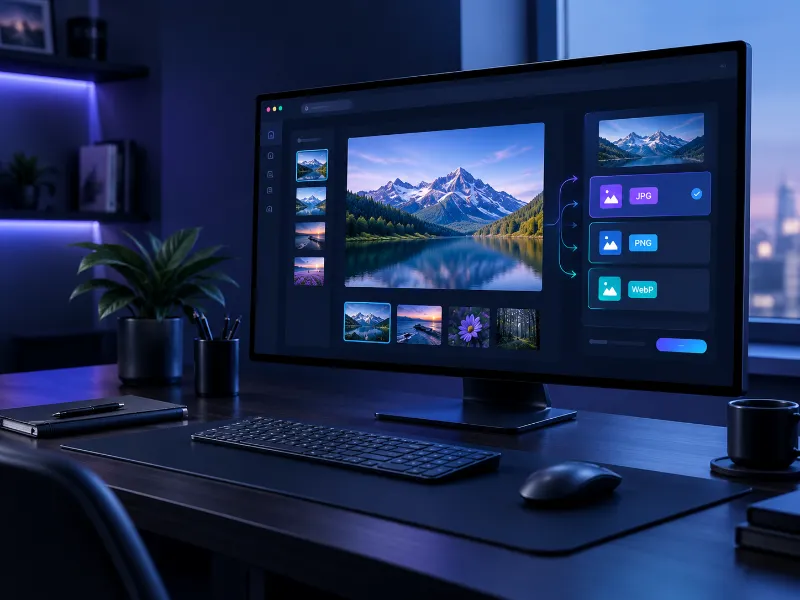
Convert Image Formats Without Complicated Software
Different websites, applications, and devices often require different image formats. An image that works perfectly in one place may need to be converted before it can be used somewhere else.
DoMorely's online image converter provides a straightforward way to change supported images into commonly used formats. Instead of opening a desktop application, you can choose an image, select the format you need, and create a new file directly from your browser.
Browser Based
No complicated software installation.
Simple Controls
Choose a format and convert quickly.
Choose the Right Image Format
Each format has different strengths. Selecting the right one can help you balance quality, compatibility, transparency, and file size.
JPG
A widely supported format that works well for photographs, website images, and everyday digital content.
PNG
A useful choice when you need lossless image quality or transparency for graphics, logos, and interface elements.
WebP
A modern web-friendly format designed to provide efficient image delivery while maintaining strong visual quality.
Convert an Image in Three Simple Steps
You do not need advanced image-editing knowledge. The conversion process is designed to stay quick and easy.
Select an Image
Upload one or more supported images from your computer, tablet, or phone.
Choose a Format
Select JPG, PNG, or WebP depending on how you plan to use the converted image.
Convert & Download
Start the conversion and download your new image when the process finishes.
When an Online Image Converter Is Useful
Converting image formats can be helpful in many everyday digital workflows.
Website Images
Prepare images in a format that fits your website, landing page, blog, or online store.
Social Media
Convert images into a commonly supported format before publishing them across different platforms.
Design Projects
Create a more suitable image file for presentations, graphics, documents, and creative projects.
File Compatibility
Change an image into a format that is better supported by a particular application or workflow.
Frequently Asked Questions
What is an Image Converter? +
An Image Converter is a tool that changes an image from one supported file format into another. For example, you can convert an image into JPG, PNG, or WebP depending on your requirements.
Is this online image converter free? +
Yes. DoMorely's image conversion tool is designed as a free online utility for everyday image format conversion.
Which formats can I convert to? +
The converter currently provides JPG, PNG, and WebP as output formats. The source image must also be supported by your browser.
Can I convert multiple images? +
Yes. You can select multiple images and convert them using the same output format and quality settings.
Should I use JPG, PNG, or WebP? +
JPG is generally useful for photographs, PNG is helpful when transparency or lossless quality matters, and WebP is a strong option for modern web content.
Does image conversion change the original file? +
No. The conversion creates a new output file. Your original image remains unchanged.
Convert Your Images in Seconds
Choose your image, select the format you need, and create a new file with a simple browser-based workflow.
Understanding Image Formats
Learn more about modern image formats and browser support from established web standards and developer documentation.