
Image Resizer
Resize images online with precise dimensions and a simple, browser-based workflow. Adjust JPG, PNG, or WebP images without complicated software.
Resize Your Image Online
Upload an image to set custom width and height, preview the result, and download the resized file.
JPG, PNG, or WebP • Processed in your browserResize Images to the Exact Dimensions You Need
An image can look perfectly fine but still be too large or the wrong dimensions for a website, document, social platform, or online form. DoMorely makes that adjustment simple by letting you change the width and height of an image directly in your browser.
You can resize JPG, PNG, and WebP files, keep the original proportions when needed, choose an output format, and download the finished image without installing desktop software.
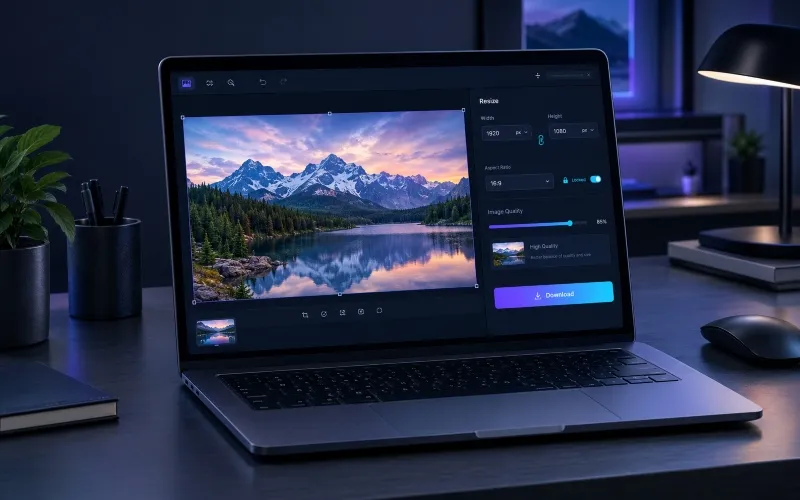
Resize an Image in Three Simple Steps
The workflow is designed to keep image resizing quick, clear, and easy to understand on both desktop and mobile.
Upload Your Image
Select a JPG, PNG, or WebP image from your device to begin resizing.
Set Your Dimensions
Enter the width and height you need while keeping the original aspect ratio when appropriate.
Download the Result
Preview your resized image and download the finished file when it is ready.
More Control Over Your Image Dimensions
Useful controls are kept together so you can make the adjustment you need without navigating through complicated editing software.
Custom Image Dimensions
Enter the exact width and height required for your project instead of relying on fixed presets.
Aspect Ratio Control
Keep an image proportional while changing one dimension, helping prevent unnecessary stretching.
Flexible Output Quality
Adjust JPEG and WebP quality when you need a practical balance between visual clarity and file size.
Multiple Image Formats
Work with common web-friendly formats including JPG, PNG, and WebP.
When Should You Resize an Image?
Website Images
Create dimensions that fit website layouts, content areas, cards, and featured images.
Social Media Graphics
Adjust image dimensions before uploading graphics to social platforms or content systems.
Documents & Forms
Resize photos and graphics when a form or document requires specific image dimensions.
More Image Tools
Continue working with your images using other practical browser-based tools from DoMorely.
Learn More About Image Optimization
Learn about web image formats and best practices with these trusted external resources.
Image Resizer FAQs
Can I resize an image without installing software?
Yes. DoMorely processes supported images directly in your browser, so you can resize an image without installing a separate desktop application.
Which image formats can I resize?
The tool supports common formats such as JPG, PNG, and WebP. The output format can also be selected when the format conversion is useful.
Can I keep the original aspect ratio?
Yes. The aspect-ratio control can be locked while you change the width or height. This helps maintain the original proportions of the image.
Does resizing an image reduce its quality?
Resizing changes the image dimensions, and reducing dimensions can preserve a large amount of visual detail. However, quality can vary depending on the original image, target dimensions, format, and output quality setting.
Can I resize an image for a website?
Yes. You can enter dimensions that match the space required by a website, content layout, profile image, banner, or other web component.
Are my images uploaded to a server?
This browser-based tool performs the resizing locally using your browser. Your image does not need to be uploaded to a remote image-processing service for the resizing operation.
Resize Your Next Image in Seconds
Set the dimensions you need, preview the result, and download your resized image with a simple browser-based workflow.